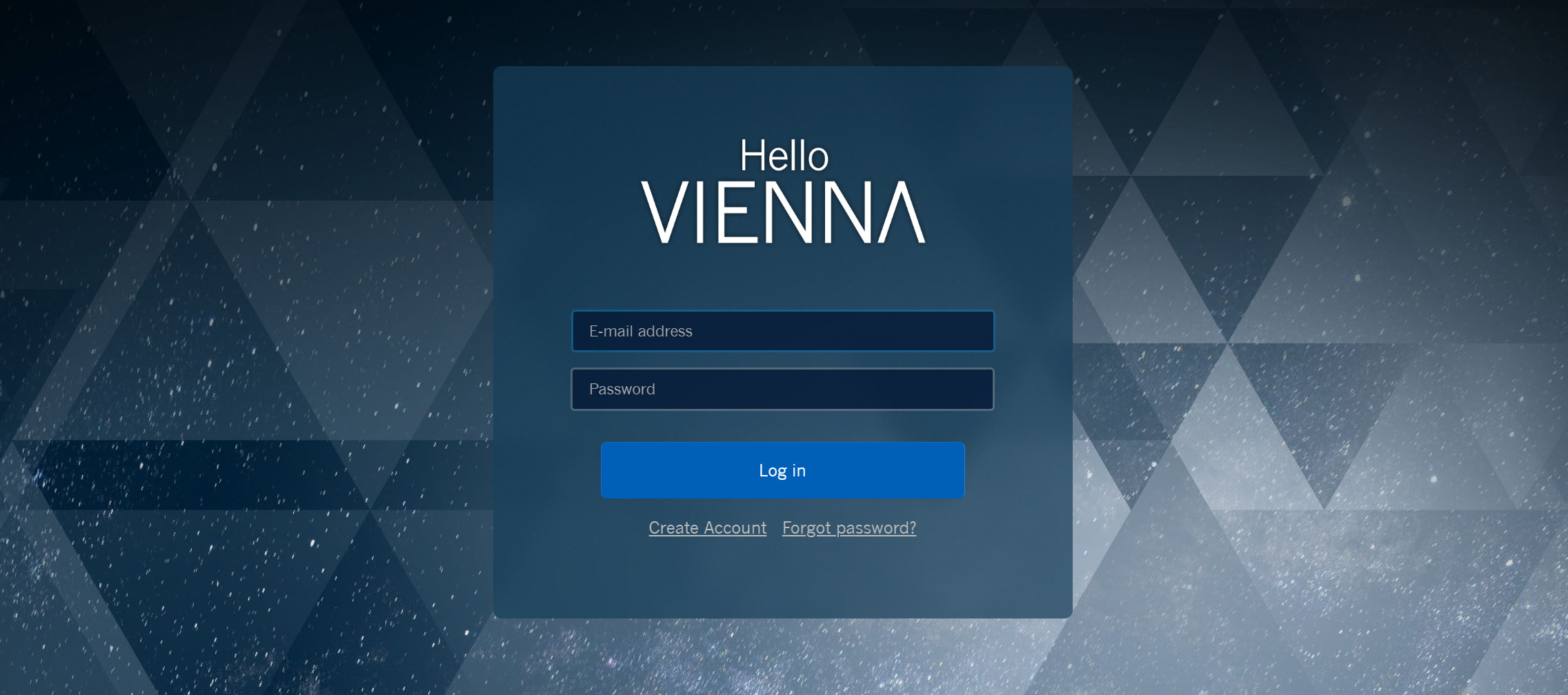
The Login Page will connect you with all available downloads right away:
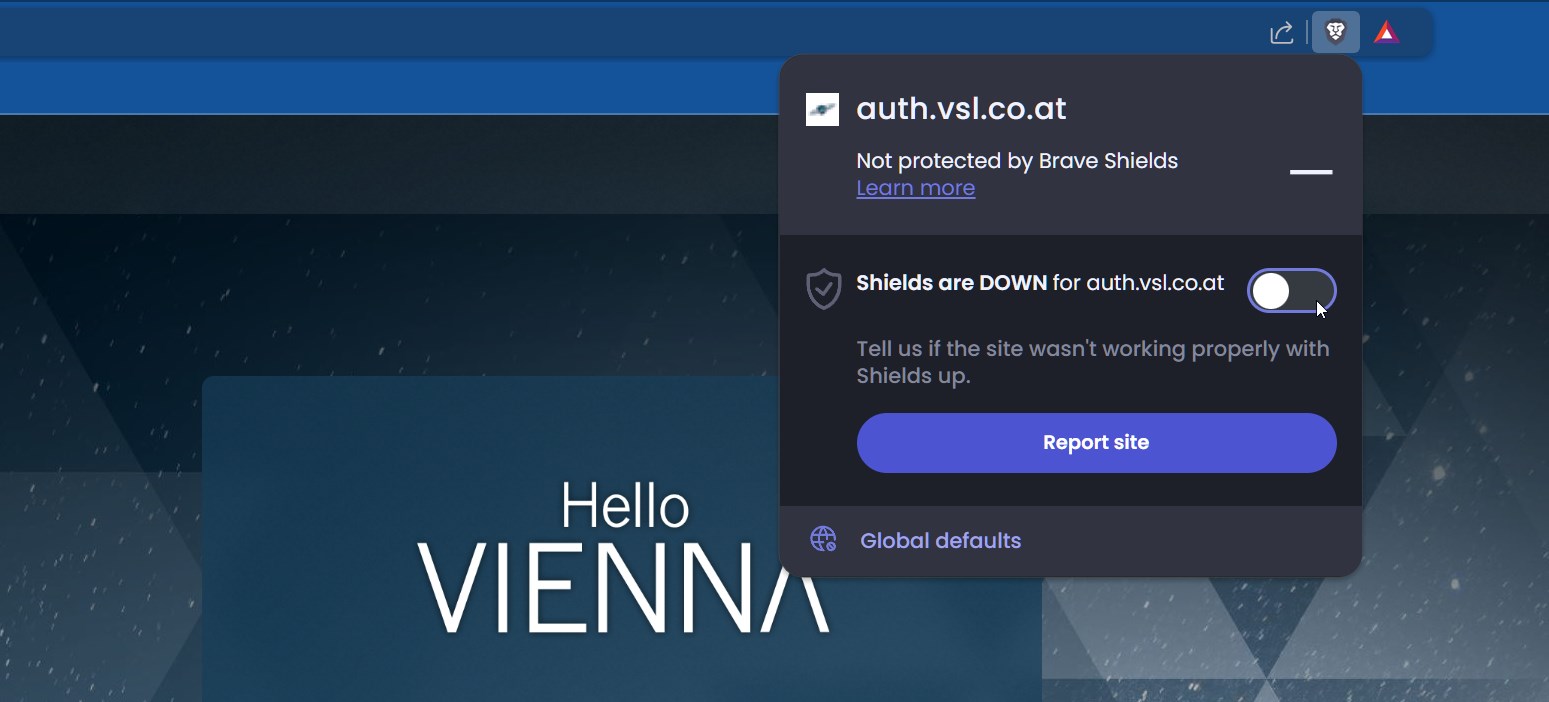
A click on Log in will open your default browser and send you to the log-in page.
Tip – Welcome new users: Create account will take you to our registration page.
When working with specific browsers, you might need to click Retry in order to complete the log-in process.
Vienna Assistant Tour
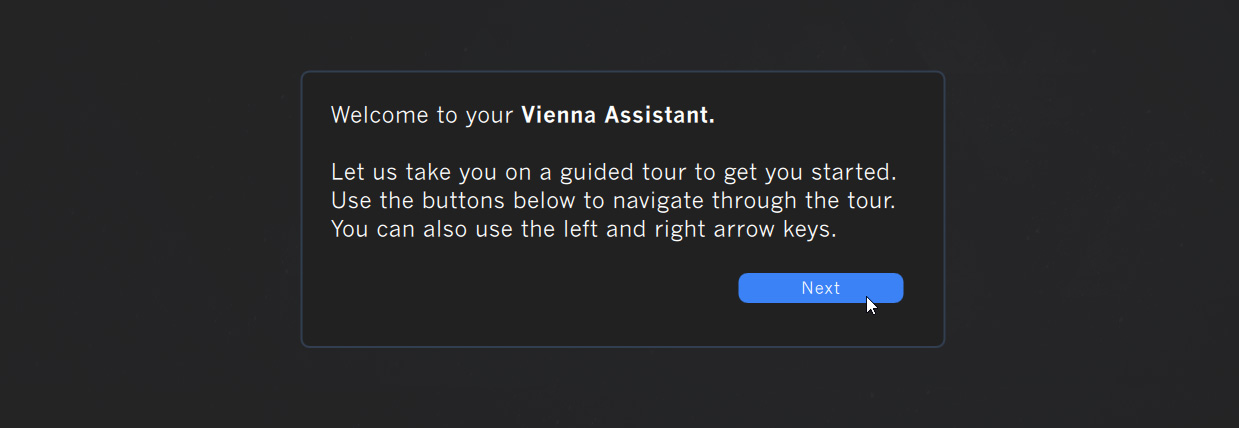
Right after log-in, you will be greeted with a quick tour of the main features this software has to offer.
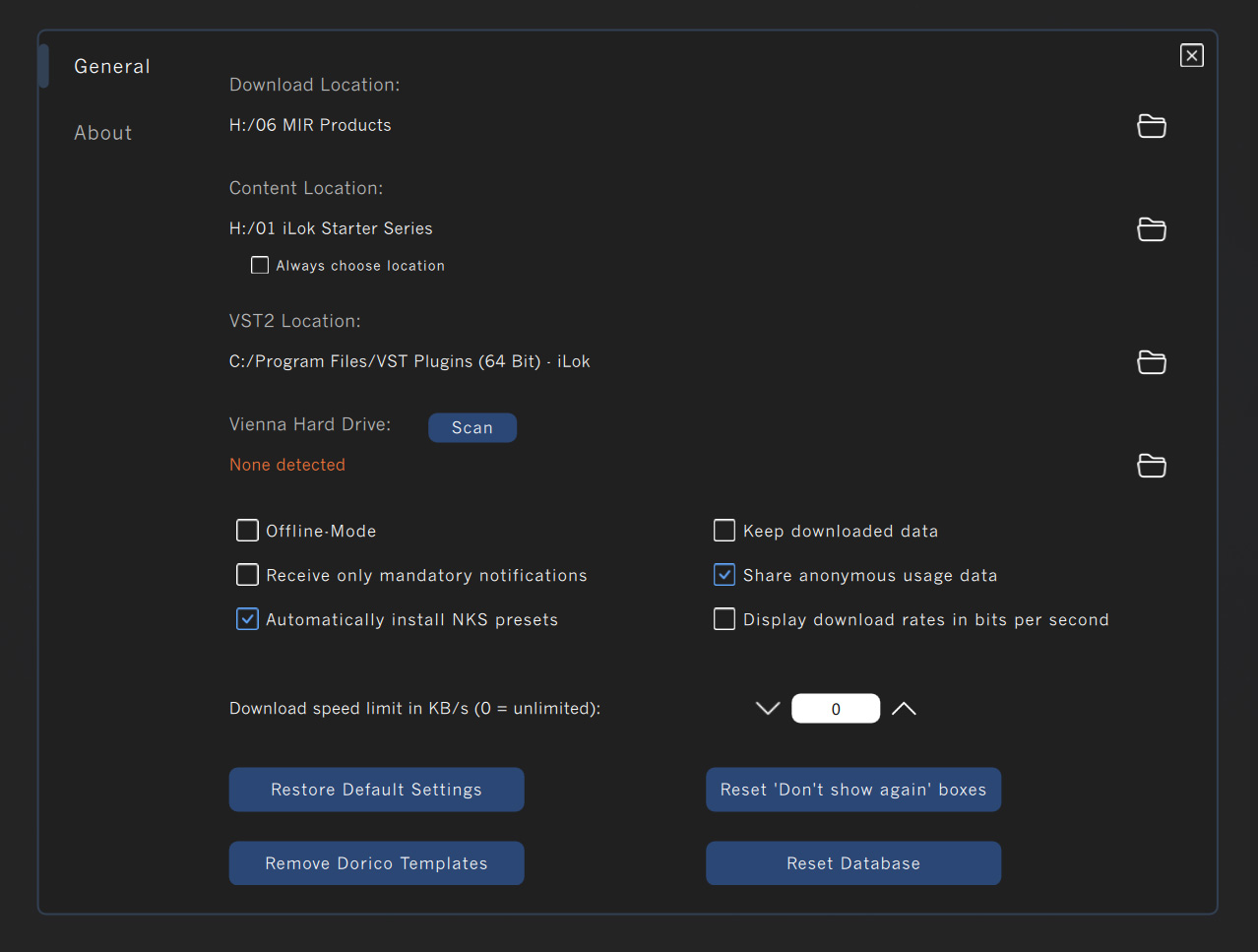
After you have finished the tour, it’s time to check your Preferences and define your default download/installation data.
Preferences
Find a detailed description of all Preferences settings right here.
System Requirements (as on Dec 2025) Vienna Assistant requires macOS 10.14 (latest update) or Windows 10 (latest update). The application supports both Apple Silicon & Intel architecture.